
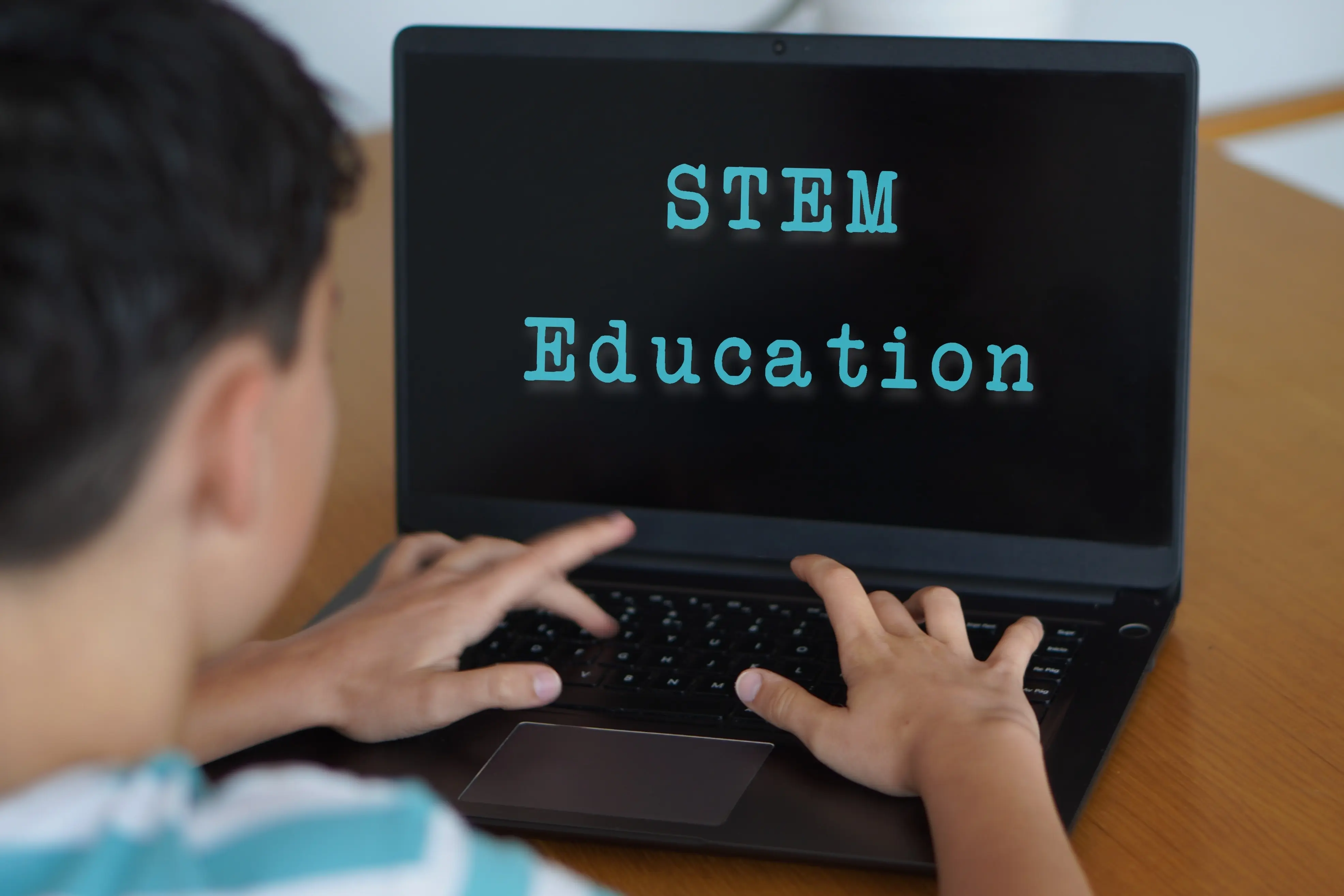
Supporting STEM Education with Remote Software Access
Support STEM education with remote software access that protects performance, license compliance, equity, and hybrid and flexible learning across any student...


STEM software access is one of the clearest tests of higher education IT maturity. Engineering, data science, architecture, health sciences, and research programs depend on applications that are expensive, resource-intensive, and often licensing-sensitive. A simple remote desktop workaround rarely meets the full requirement.
IT teams must deliver acceptable performance, protect vendor terms, support unmanaged devices, and keep access equitable across commuters, online learners, and students without high-spec hardware. Remote STEM software access needs an intentional operating model.
Many STEM applications were built for controlled workstation environments. Tools such as MATLAB, SolidWorks, AutoCAD, ArcGIS, ANSYS, SPSS, and Stata can depend on local compute, graphics acceleration, license servers, plugins, or strict version alignment with coursework. Those requirements make generic delivery approaches unreliable.
Device diversity makes the challenge harder. Some students arrive with gaming laptops, while others use Chromebooks, entry-level Windows devices, or aging Macs. Asking every student to run specialist software locally can turn hardware ownership into an academic disadvantage and an equity issue, especially in courses with demanding workloads.
Physical labs still matter, but they cannot be the only access model for STEM courses. Lab hours, building location, commuting schedules, disability accommodations, weather disruptions, and competing class timetables all shape whether students can use required software when coursework demands it.
A lab-only model also locks expensive software and hardware into fixed spaces. During peak weeks, students compete for machines. During quiet periods, those same assets may sit underused. That mismatch creates a capacity problem for students and a utilization problem for IT.
VPN access can help with license servers or internal systems, but it does not solve local hardware constraints. A VPN still expects the student's device to run the application. For GPU-heavy modeling, large datasets, or complex simulations, the bottleneck simply moves from campus networking to endpoint capability.
VDI can solve some access problems, but using full desktops for every STEM title is often expensive and operationally heavy. The better strategy is workload-specific delivery. Full virtual desktops should be reserved only for cases that need them, not used as the default answer for every application.
A stronger model separates the user experience from the underlying delivery method. Students should see a clear catalog of approved applications, while the platform determines whether the session should run locally, stream, launch in a cloud-hosted environment, or use virtual desktop capacity.
That abstraction matters because STEM portfolios are mixed. A statistics package may be easy to virtualize, while a CAD tool may need graphics-backed infrastructure. A chemistry application may require specific plugins. Treating every title the same creates unnecessary cost and inconsistent performance.
Performance planning should begin with application profiling. IT teams need to understand CPU, memory, GPU, storage, latency, peripheral, and file-access requirements before choosing a delivery path. They should also test real coursework scenarios, not only application launch behavior, because assignments expose performance problems faster than demos.
Compliance planning needs the same rigor. Some vendors restrict remote access, virtualization, location, or concurrent use. Delivery rules should reflect those terms directly, using identity, group membership, location, and device context to govern access without forcing manual checks for every course.
STEM access becomes an equity issue when required software depends on a student's device, schedule, or proximity to campus. Students who work, commute, provide care, lack high-performance hardware, or rely on limited transportation face additional barriers before they even begin the academic task.
Remote access helps remove the digital divide by shifting compute requirements away from the endpoint where appropriate. A student using a modest laptop can complete the same assignment as a student with a powerful workstation, provided the institution supplies a controlled, performant delivery route.
Faculty, just as students, benefit when software access is predictable. They can design assignments around learning outcomes rather than lab availability, local installation instructions, or device exceptions. That is especially important in interdisciplinary STEM courses where students may not share the same technical background or hardware profile.
Reliable access also supports version control. When every student launches the approved application version through a governed route, instructors spend less time troubleshooting mismatched interfaces, missing plugins, or unsupported operating systems. The academic experience becomes easier to manage at cohort scale, and it saves important teaching time.
A long-term strategy should connect application delivery, lab planning, license management, support data, and academic scheduling. IT should know which applications need high-performance delivery, which labs are heavily used, which software is underused, and where student-owned devices (BYOD) can safely carry more of the workload.
That evidence supports better investment decisions. Institutions can repurpose low-use labs, reserve specialist rooms for hands-on work, expand remote delivery for software-heavy courses, and negotiate licenses around real demand. STEM access becomes a planned service rather than a recurring emergency.
AppsAnywhere helps institutions deliver STEM applications through a central access point that can support multiple delivery methods, including cloud-hosted and device-aware routes. LabStats adds insight into lab, hardware, and software usage, showing where demand is high, where assets are underused, and where access gaps exist.
Together, AppsAnywhere and LabStats help higher education IT deliver demanding STEM software while protecting performance, compliance, and equity. Institutions can align labs, licenses, and delivery methods around real usage. Get in touch to see how AppsAnywhere and LabStats can support STEM access.

Sign up to our newsletter.
AppsAnywhere is a global education technology solution provider that challenges the notion that application access, delivery, and management must be complex and costly. AppsAnywhere is the only platform to reduce the technical barriers associated with hybrid teaching and learning, BYOD, and complex software applications, and deliver a seamless digital end-user experience for students and staff. Used by over 3 million students across 300+ institutions in 22 countries, AppsAnywhere is uniquely designed for education and continues to innovate in partnership with the education community and the evolving needs and expectations of students and faculty.


Register your interest for a demo and see how AppsAnywhere can help your institution. Receive a free consultation of your existing education software strategy and technologies, an overview of AppsAnywhere's main features and how they benefit students, faculty and IT, and get insight into the AppsAnywhere journey and post launch partnership support.
Register your interest for a demo and see how AppsAnywhere can help your institution. Receive a free consultation of your existing education software strategy and technologies, an overview of AppsAnywhere's main features and how they benefit students, faculty and IT, and get insight into the AppsAnywhere journey and post launch partnership support.